 0
0


 Facebook
 X
X
 WhatsApp
 Email
Email

In a Nutshell
Your washing machine's error code is a clue, not necessarily a cause for alarm. Here's what to remember:
-
What it means: An error code points to a condition that may be interrupting your wash cycle.
-
What to check: Water supply, door closure, drainage, and load balance are common starting points.
-
Where to look: Your model-specific IFB washing machine manual provides the relevant code meanings and troubleshooting steps.
-
When to get help: If an error persists, returns repeatedly, or suggests a technical fault, contact IFB Care.
A Code on the Display. What Now?
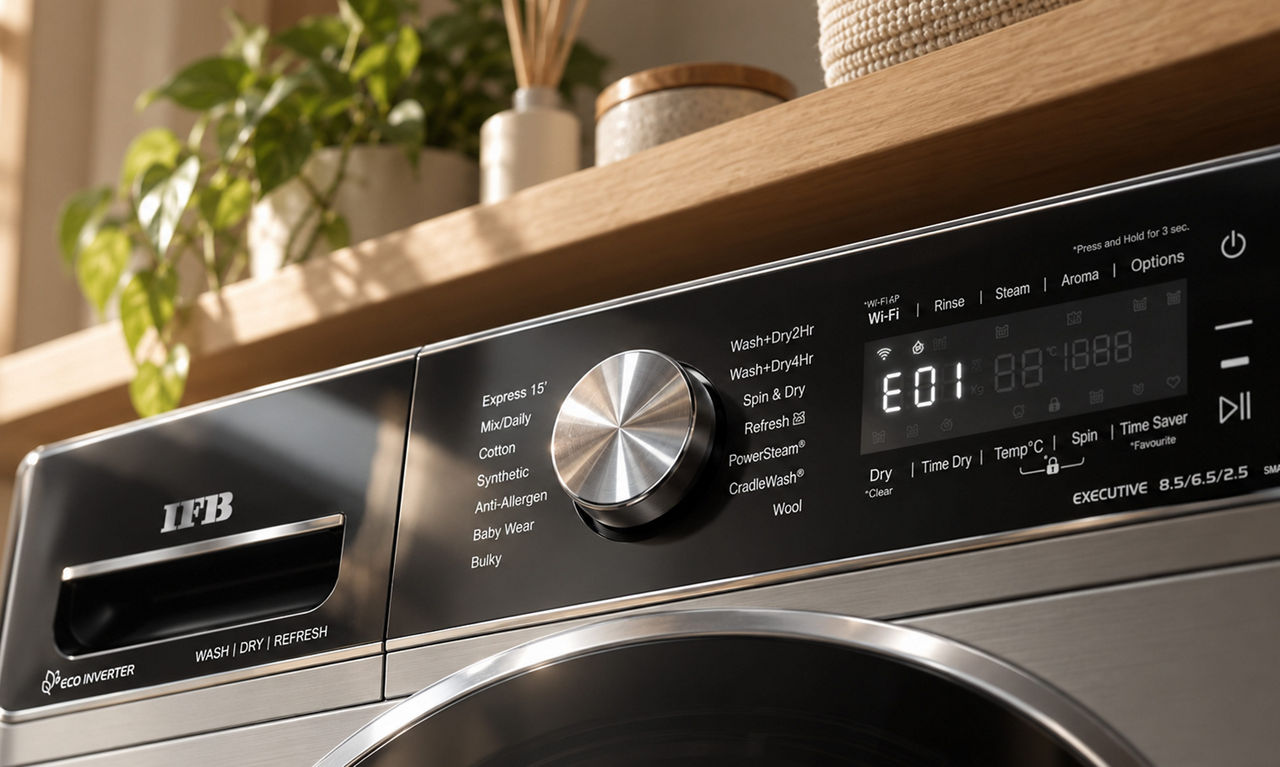
There's a particular kind of domestic drama that unfolds when you're already running late, the laundry is halfway through its cycle, and your washing machine suddenly flashes a mysterious combination of letters and numbers. Your freshly washed clothes will have to wait, and you're left wondering what went wrong.
Before you imagine an expensive repair, take a breath. Your machine's display is giving you a clue. Washing machine error codes help identify a condition that needs attention, whether it's a water supply issue, a door that hasn't locked properly, or a load that's refusing to balance.
The trick is knowing how to read that message without jumping to conclusions. Different IFB models use different codes and troubleshooting steps, so a quick internet search isn't always enough. Here's how to understand common error messages, what to check first, and when to let the experts take over.
From Code to Solution: What to Check
An unfamiliar display message might look like a language of its own, but it often points towards a specific issue. The following examples are taken from selected official IFB laundry product-help guides. Codes and solutions vary by model, so check your own machine's manual before following any instructions.
| Error code or message | What it means on selected models | What to do |
| tAP | Water supply is unavailable or water pressure is insufficient. | Check that the tap is open, the inlet hose is connected correctly, and the hose or inlet filter isn't obstructed. |
| door / dor | The door or lid isn't closed properly. | Check that clothing isn't caught around the opening, then close it properly. |
| dLEr / dl Er | The door is stuck or jammed on certain front load models. | Switch off the machine and wait for the period specified in the manual. Never force the door open. Contact IFB Care if the issue persists. |
| E1 | Clothing is trapped between the drum and door area on certain front load models | Follow the model-specific instructions, which may involve switching off the machine and running a drain programme. Contact IFB Care if the message returns. |
| unbL | The laundry load is unbalanced. | Redistribute the clothes evenly. Check that the machine is level on a flat surface. |
| drEr | The machine hasn't drained water within the expected time on certain top load models. | Check whether the drain hose is kinked, blocked, or incorrectly positioned, following the manual. |
| ACH / ACL | Input voltage is too high or too low on certain top load models. | Allow the machine to respond as described in the manual. If the message persists or occurs frequently, contact an electrician to check the electrical supply. |
| H260 / L175 | High or low input voltage on certain front load models. | Follow the model's instructions. If the message persists or occurs frequently, have the electrical supply checked by a qualified electrician. |
These examples are based on IFB's official front load troubleshooting guide and top load troubleshooting guide.
Not every message indicates a fault. Some displays, such as dLAY or rinS HOLd on selected front load models, relate to a programme status rather than a breakdown. Always check the explanation for your specific model.
Don't Panic, Start With These Checks
When an error appears, resist the urge to press every button on the control panel. A few careful checks are a better place to start.
-
Note the exact message Take a photo or write down the code as it appears. Similar-looking messages may have different meanings.
-
Check the obvious first. Depending on the code, look at the water supply, door closure, drain hose, or distribution of clothes in the drum.
-
Consult your manual. Follow the recommended steps for your exact model instead of relying on a generic fix.
-
Restart only if instructed. Some errors have a specific restart procedure. Repeatedly resetting the machine won't resolve every underlying issue.
-
Know when to stop. If the message returns, the machine won't operate normally, or the instructions point to a technical fault, contact IFB Care.
The aim is to identify what needs attention without turning a small issue into a bigger one. Avoid opening the appliance or attempting electrical repairs yourself.
Behind the Beep: What's Causing the Error?
An error message is the visible part of a problem. Understanding what might be behind it helps you work out the next step.
-
Water supply problems: A closed tap, low pressure, or a kinked inlet hose may prevent the machine from filling properly.
-
Drainage issues: A blocked or poorly positioned drain hose may stop water from draining as expected.
-
Door or lid problems: Clothing caught around the opening or a door that hasn't locked properly may interrupt a cycle.
-
Unbalanced laundry: Clothes gathered on one side of the drum or tub may interfere with spinning.
-
Voltage fluctuations: Certain models display specific messages when the input voltage is outside the expected range.
-
Technical faults: Some issues require a technician to inspect the relevant components.
These are common categories, not a universal explanation for every washing machine error code meaning. The displayed message and your model's troubleshooting guide should determine what to check next.
When It's Time to Call IFB Care
Some issues are straightforward to check. Others are best left to a trained technician. Contact IFB Care if:
-
The same error keeps appearing after you've followed the recommended steps.
-
The display indicates a technical fault, or the machine repeatedly fails to complete a cycle.
-
The door remains stuck. Never force it open.
-
Voltage-related messages occur frequently or persist.
-
You notice smoke, a burning smell, damaged wiring, or other signs of an electrical problem.
For assistance, visit IFB Appliances Support. You can access troubleshooting information and warranty details or raise a service request.
When contacting support, keep your model number, the exact error message, and a brief description of the issue handy. These details help the team understand what your machine is doing and guide you towards the next step.
Find Your Model. Find Your Answer.
When it comes to troubleshooting, the right information matters more than the quickest search result. Your IFB washing machine manual contains guidance specific to your model, including display messages, possible causes, and recommended actions.
Here's where to start:
-
Visit IFB Product Help: Search for your model or browse the relevant product category.
-
Identify your machine: Check the model details on the appliance or its documentation if you're unsure which guide to use.
-
Choose the right format: Make sure you're looking at the instructions for a front load or top load model, as applicable.
-
Use official support for unresolved issues: If the manual doesn't resolve the problem, contact IFB Appliances Support.
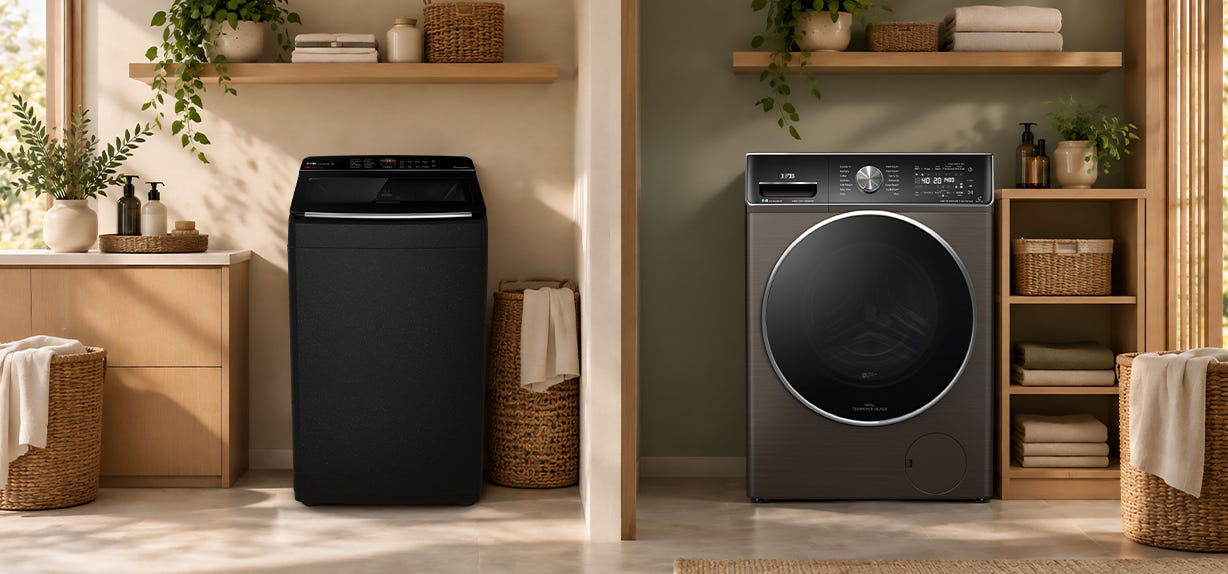
Whether you own an IFB front or top load washing machine, model-specific guidance is the safest starting point. For owners looking for IFB washing machines India support, the official website also provides product information, manuals, and service assistance.
Small Habits for Smoother Wash Days
Not every error is preventable, but a little routine care helps keep laundry day running smoothly.
-
Distribute clothes evenly: Avoid overloading the drum or tub, and spread items out before a spin cycle.
-
Check the water supply: Ensure the tap is open and the inlet hose isn't bent or obstructed.
-
Keep hoses correctly positioned: Check for visible kinks, blockages, or damage.
-
Close the door properly:Make sure clothing isn't trapped around the door before starting a programme.
-
Follow the care instructions: Clean the machine and filters as recommended in your manual.
-
Take recurring messages seriously: If the same code keeps returning, investigate it rather than repeatedly restarting the machine.
A few simple habits help, but they don't replace proper troubleshooting. If a message persists, refer to the IFB washing machine support resources for the next step.